Have you ever wondered why some OnlyFans creators seem to grow their audience and earnings at an accelerated pace? While high-quality content and consistent promotion are essential, there’s a critical, often overlooked factor: strategic timing. Posting when your subscribers are most active can be the difference between content that soars and content that sinks without a trace. Mastering this element can directly translate to higher engagement, more tips, and increased revenue.
In this comprehensive guide, we will demystify the process of finding your unique optimal posting schedule. We’ll move beyond generic advice and show you the data-driven methods and simple tricks top creators use to maximize their visibility and income. If you’re serious about treating your OnlyFans like a business and want to learn how to make money on OnlyFans with professional precision, this is your essential roadmap.
Why Posting Time on OnlyFans Matters
Before diving into the “when,” it’s crucial to understand the “why.” OnlyFans, like all social and content platforms, operates on an algorithm. While its exact workings are proprietary, core principles are consistent: platforms prioritize content that generates immediate engagement. When you post while a large segment of your audience is online, your likes, comments, and tips signal to the algorithm that your content is valuable. This can lead to greater visibility within your subscribers’ feeds and even in promotional avenues. Ultimately, strategic timing is about respecting your audience’s habits and optimizing for platform mechanics to ensure your hard work gets the attention it deserves.
When Is The Best Time To Post On OnlyFans? Finding Your Peak Hours
Want to know the secret to capturing attention and receiving more OnlyFans tips? It starts with sharing content when your fans are primed to see it. There is no universal “perfect time,” but by combining general trends with personalized data, you can build a highly effective schedule.
General Industry Guidelines and Trends
While your specific audience is unique, broader online behavior patterns provide a excellent starting point. Most people engage with subscription content similarly to how they browse social media—during downtime. Think about when people are free from work obligations, relaxed, and seeking entertainment. Based on aggregated data from creators and digital habit studies, the most consistently active periods are:
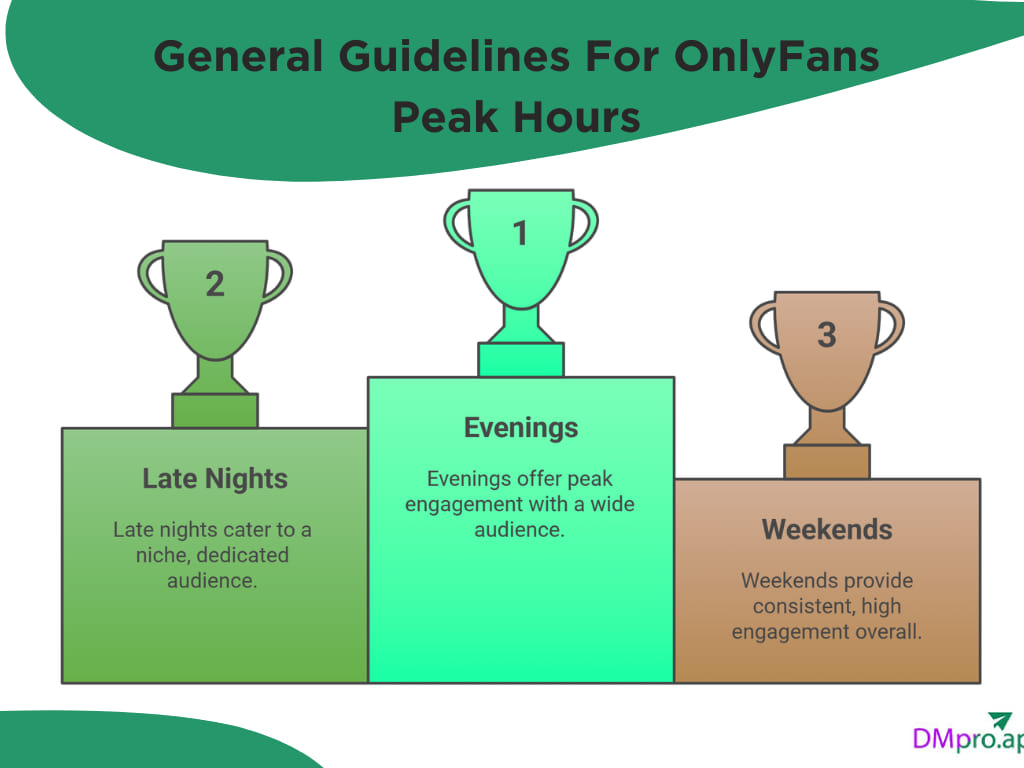
- Weekday Evenings (7 PM – 11 PM Local Time): This is the prime window after dinner when users are settled in for the night, checking their phones and computers.
- Late Nights (11 PM – 2 AM): A surprisingly active period, often correlating with private, uninterrupted time.
- Weekend Mornings & Afternoons (10 AM – 4 PM): With no work schedule, engagement spreads more evenly throughout the day, often with a peak in late morning and early afternoon.
- Sunday Evenings: A specific high-engagement period as users prepare for the week ahead.
It’s also vital to consider geography. Since a significant portion of OnlyFans traffic originates in the United States, creators with an international audience often anchor their schedule to U.S. Eastern Standard Time (EST) or Pacific Time (PST), then adjust for other major demographics.
Leveraging OnlyFans Native Analytics
General trends are a guide, but your OnlyFans Insights are your truth. This built-in analytics dashboard is your most important tool for moving from guesswork to strategy. Regularly monitor it to discover:
- Engagement Metrics: Track which specific posts get the most likes and comments. Note the day and time each was posted.
- Revenue Tracking: Correlate spikes in tips and PPV (Pay-Per-View) purchases with your posting times.
- Follower Growth: See if certain content or posting times lead to new subscriptions.
Actionable Tip: For one month, maintain a simple spreadsheet. Log every post’s time, day, content type, and resulting engagement (likes, tips, messages). Patterns will begin to emerge, clearly showing your audience’s peak activity windows.
Utilizing Third-Party Analytics Tools
For creators ready to invest in advanced strategy, third-party platforms like FansMetrics, Supercreator, or Statz offer deeper, more granular insights. These tools can automate tracking and provide features beyond the native dashboard, such as:
- Historical Trend Analysis: Visualize your audience’s activity patterns over weeks and months.
- Subscriber Behavior Segmentation: Understand how different tiers of fans interact at different times.
- Optimal PPV Send Times: Receive data-backed recommendations for when your paid messages are most likely to be opened and purchased.
- Competitive Benchmarking: Some tools offer insights into broader niche trends.
Key Factors That Influence Your Optimal Posting Time
Your perfect schedule isn’t determined by clock alone. It’s a dynamic equation shaped by several variables. Understanding these will help you interpret your data correctly and adapt over time.
1. Audience Demographics and Location
This is the most critical factor. A creator whose fanbase is primarily in the UK will have a vastly different peak time than one whose subscribers are in Australia or the US West Coast. Ask yourself:
- Where are my top fans located? Use poll features or casual conversation to gather this intel.
- What is their lifestyle? Are they students, 9-5 professionals, or shift workers? A audience of night-shift workers will be active at completely different hours.
- What are their age ranges? Younger audiences may be more active late at night, while older demographics might engage earlier in the evening.
2. Content Type and Format
Not all content is consumed equally at all times. Aligning your OnlyFans content ideas with user mindset at different times can boost engagement.
- Quick Content (Photos, Short Clips): Ideal for weekday evenings (7-9 PM) when users are browsing quickly. Also great for late-night “teaser” posts.
- Long-Form Content (Videos, Mini-Series): Best saved for weekends or Friday nights when subscribers have more leisure time to watch.
- PPV Messages & Exclusive Offers: Send these in early evening (6-8 PM), when users are making discretionary spending decisions, not late at night when they might be tired.
- Live Streams: Schedule these during high-engagement windows like weekend afternoons or prime evening hours, and announce them well in advance.
3. Cross-Platform Promotion Synergy
If you use platforms like Twitter (X), Instagram, or TikTok to promote your OnlyFans account, their analytics are a goldmine. Your social media audience likely shares behavioral overlap with your OnlyFans subscribers.
Pro Strategy: Use Instagram Insights or Twitter Analytics to find your best time to post on Instagram for maximum reach. Schedule your promotional “teaser” posts on social media 30-60 minutes before you plan to post the full content on OnlyFans. This creates a direct traffic funnel from your most engaged social followers to your OnlyFans page at the perfect moment.
How Frequently Should You Post on OnlyFans?
Frequency is the companion to timing. Posting too little can cause you to fade from memory; posting too much can lead to subscriber burnout. A balanced, sustainable approach is key:
- Full-Time Creators: Aim for 1-3 high-quality posts per day. Consistency is more important than overwhelming volume.
- Part-Time Creators: 4-7 posts per week can maintain strong engagement if they are valuable and well-timed.
- PPV Messages: Send 2-4 exclusive PPV offerings per week, timed during your identified high-engagement periods.
- Live Streams: 1-2 scheduled streams per week or bi-weekly can create major engagement spikes and foster community.
Remember: Quality and consistency trump sheer quantity. It’s better to post one amazing, well-timed photo per day than five mediocre ones at random times.
Proven Tips for Finding & Testing Your Best Time
✨ Enhanced Content ✨
Have you ever thought about how some creators grow faster on OnlyFans? One of the reasons behind their success is knowing the best time to post on OnlyFans. Posting when your fans are mostly active can lead to receiving higher engagement.
In this article, we will show you how to find the best times to post on OnlyFans and the simple tricks top creators use to boost their engagement and earnings. So if you want to know how to make money on OnlyFans like professionals, don’t miss this guide.
When Is The Best Time To Post On OnlyFans?
Want to know when you should share posts to receive the highest engagement? By sharing content at the right time, you will receive more OnlyFans tips and can increase your income. Here is how to find OnlyFans’ peak hours.
General Guidelines
There is no definite answer for the best time for sharing content on OF, and it is different for each creator. However, most people are active on OnlyFans the same way they check their social media accounts. After work, late at night when they’re relaxed, and on weekends when they have more free time are the most active nights.
- Evenings: 7 PM – 11 PM
- Late nights: 11 PM – 2 AM
- Weekends: Higher engagement overall
Try posting once in the evening and once late at night for a week. Then check which time brought more likes, messages, or PPV purchases.
Since a large portion of OnlyFans traffic comes from the United States, it’s also smart to adjust your posting schedule to U.S. time zones.
Check OnlyFans Analytics
One of the useful OnlyFans features is insights and analytics. Using this tool, you can find out:
- How many users have subscribed to your page?
- Which posts are getting the most likes
- How much money are you making?
By monitoring the posts with the highest engagement, you can easily spot the best time to post on OnlyFans.
Third-party Tools
While OnlyFans itself provides some basic insights, professional creators prefer accessing advanced analytics. Platforms like FansMetrics offer deeper insights, such as:
- Peak viewer activity
- Subscriber behavior trends
- Best times for PPV campaigns
- Growth tracking over time
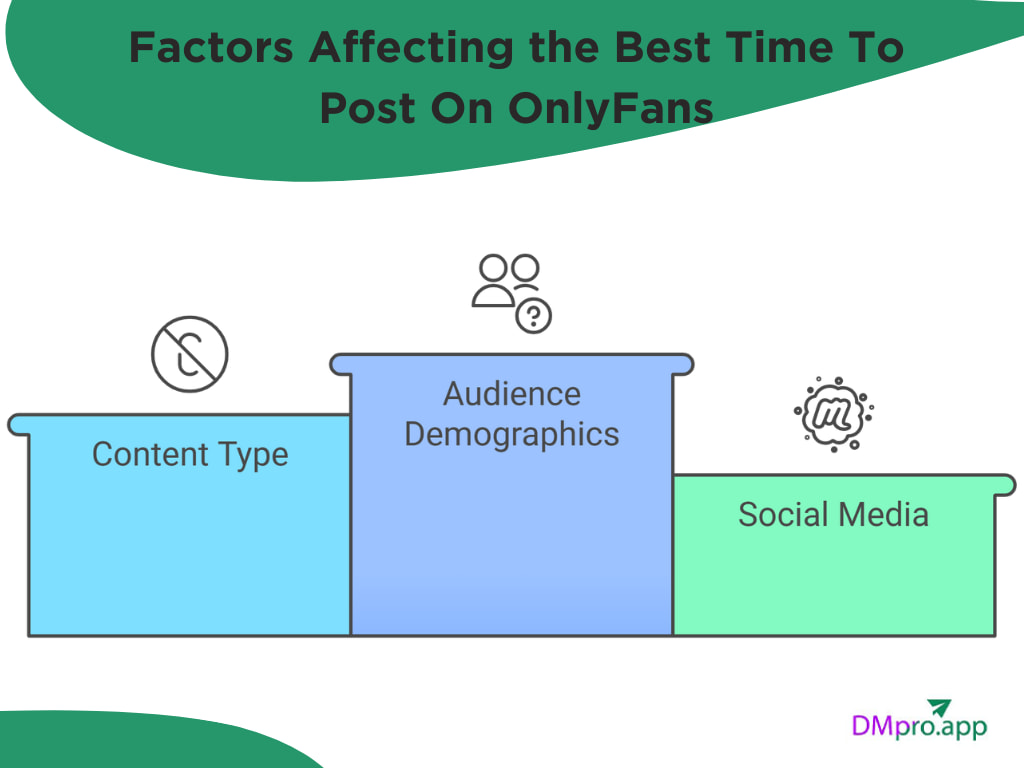
Factors Affecting the Best Time To Post On OnlyFans
Here are some factors that can affect the different times for sharing your OF posts.
1. Audience Demographics
When talking about the best time to post on OnlyFans, our fans’ habits matter more than anything else. While this platform allows a global reach, it’s essential to understand where most of your audience comes from. Monitor data such as age, gender, and location of most of your fans.
2. The Type of Content You’re Posting
While you can mix different OnlyFans content ideas to keep your fans engaged, some content performs better at certain times. For example:
On weeknights, you can share photos and short clips. Save your longer videos and streams for weekends, when people have more time to watch. Finally, send PPV posts in the early evening.
3. Social Media
If you use other social media platforms to promote your OnlyFans account, you need to monitor your audience’s activity there as well. Instagram provides detailed analytics on when most of your audience is online and the best time for sharing content.
If your social media audience is active at a certain time, there’s a good chance you can redirect them to your OnlyFans. For example, if you find the best time to post on Instagram, the same timetable might work for OnlyFans, too.
How Frequently Should You Post On OnlyFans?
If you are doing OnlyFans as a full-time creator, posting at least 2-3 times a day can help your growth. Along with your posts, you need to pay attention to your PPV messages where you get OnlyFans tips and try to send 2-4 times per week. If you have enough time, you can host streams on weekends.
Tips on Finding The Best Time to Post on OnlyFans
Now that you know how to find the best time of day to post on OnlyFans, let’s check out some professional tips.

1. A/B Test
A/B testing is one of the easiest ways to figure out the best time to post on OnlyFans. All you need to do is post similar content at two different times. Compare the engagement you receive and repeat the process for a few weeks.
For example, post a photo at 8 PM one day and a similar one at midnight the next day. Over time, you’ll see clear patterns in which time and day perform better.
2. Monitor Your Competitors
Do you know the best OnlyFans creators in your niche? Competitors can teach you a lot about your shared audience’s behavior. You don’t need to copy them, but their activity can help you find the best times to post on OnlyFans.
- When do they usually post?
- How active is their audience?
- Do they get more engagement during certain hours?
3. Track Engagement
To improve your strategy, keep an eye on engagement metrics as your main source of information. Track data such as:
- Likes
- Comments
- PPV purchases
- Profile views
- New subscribers
4. Listen To Your Audience
Sometimes the easiest way to understand your audience is simply to ask them. You can ask them about the best time of day to post on OnlyFans using story polls, a pinned post, or during a livestream.
5. Schedule your OnlyFans Content
After knowing the best time to post on OnlyFans, you can spend a day scheduling a week’s content. This way, you will not miss any of these peak hours. OnlyFans itself provides a scheduling feature for creators called ‘Queue,’ which you can access on your dashboard.
Conclusion
Finding the best time to post on OnlyFans is about understanding your audience, their habits, and how they respond to your content. Once you start paying attention to your analytics and find your OnlyFans peak hours, you can boost your engagement. Start testing, stay patient, and let your audience show you exactly when they want to see you online.
FAQs
Not one single time that works for everyone, but yes, there are peak hours when most users are active. Evenings, late nights, and weekends usually perform best. The exact timing depends on your audience, so testing different hours is key.
Your OnlyFans Analytics will tell you a lot. Check which posts get the most likes, comments, and PPVs. You can also track where your fans live and adjust your posting schedule based on their time zones.
For most creators, yes. People are more relaxed on weekends and have more free time to browse and interact with content. This makes weekends perfect for longer videos, PPVs, bundles, or streams.