
The 8 Best DocuSign Alternatives in 2024: A Comprehensive Guide
The digital transformation of business processes has made the convenience of signing official documents from anywhere with an internet connection not just a luxury, but a standard expectation. We largely have pioneering electronic signature platforms like DocuSign to thank for setting this precedent. These innovative solutions empower businesses and individuals to add legally binding signatures in seconds and distribute documents globally with unprecedented ease.
However, being the most recognizable name in e-signatures does not automatically make DocuSign the optimal choice for every organization. Its pricing structure can be prohibitive for smaller businesses, startups, or individual professionals with limited budgets. Furthermore, your specific workflow may require deeper integrations, more robust document automation, or a different user experience than what DocuSign provides.
Selecting the right digital toolset is critical for operational efficiency and security. Whether you’re evaluating e-signature platforms to streamline client contracts or live chat software to enhance customer support, a thorough assessment of all available options is essential. This includes prioritizing platforms with strong cybersecurity frameworks to protect sensitive data.
If you’re seeking an e-signature solution that aligns more closely with your budgetary constraints, feature requirements, and business philosophy, you’ve come to the right place. This definitive guide curates and analyzes eight leading DocuSign alternatives for 2024, providing the insights you need to make an informed, strategic decision for your business.
Why Consider a DocuSign Alternative?
Before diving into the alternatives, it’s important to understand the driving factors behind the search for other options. While DocuSign is a powerful tool, several key considerations motivate businesses to look elsewhere:
- Cost-Effectiveness: DocuSign’s pricing, particularly for its advanced features and high-volume plans, can be a significant overhead for small to medium-sized businesses.
- Feature Specialization: Some businesses need more than just e-signatures. They require built-in form builders, payment collection, deep CRM integration, or sophisticated document automation workflows that might be bolted-on or limited in other platforms.
- User Experience & Learning Curve: Teams may seek a more intuitive interface that requires less training, especially for occasional users or clients.
- Integration Ecosystem: Seamless connection with your existing tech stack (like Google Workspace, Microsoft 365, Salesforce, or Dropbox) is paramount. Some alternatives offer more native or affordable integrations.
- Scalability: As your business grows, your document workflow needs can change. Some platforms offer more flexible or granular scaling options.
1. Papersign: The All-Around eSignature and Forms Powerhouse
Emerging as a dynamic and versatile contender, Papersign (by Paperform) represents a paradigm shift beyond simple e-signatures. Launched as a holistic solution, it empowers businesses to create engaging, interactive, and user-friendly forms, surveys, payment pages, and legally binding documents that integrate seamlessly into complex workflows.
A standout advantage of Papersign is its exceptional capacity for personalized branding. Users can effortlessly embed their company logo, color schemes, and fonts directly into documents and forms, ensuring a consistent and professional appearance that reinforces brand identity with every client interaction. The intuitive drag-and-drop builder demystifies the process of crafting custom documents, making it accessible to users without technical expertise.
Perhaps its most powerful feature is the synergy between Paperform’s form builder and Papersign’s e-signature capability. Data collected through intelligent forms can automatically populate corresponding documents, eliminating manual data entry and drastically reducing errors. This creates a seamless automation funnel from initial inquiry to signed contract.
Key Features of Papersign
- Interactive Form Creation: Design beautiful forms with various question types, conditional logic, and embedded media.
- Deep Brand Customization: Apply your brand’s theme, colors, and logo across all documents and forms.
- Integrated Payments: Collect payments, donations, or orders directly within the signing workflow.
- Smart Automation: Use dynamic placeholders and conditional logic to auto-populate documents with form submission data.
- Global Compliance: Adheres to major e-signature legislation including the ESIGN Act, UETA, eIDAS, and more.
Pricing Structure
Papersign offers an attractive entry point with a free plan that includes unlimited users and up to three signable documents. Their professional plan, which unlocks full functionality, is priced at $24 per user per month, presenting a cost-effective alternative for growing teams.
2. PandaDoc: For Streamlined Document Creation and Analytics
PandaDoc has firmly established itself as one of the top comprehensive alternatives to DocuSign, particularly for businesses that view documents as central to their sales and client onboarding processes. Its interface is meticulously designed for user-friendliness, simplifying everything from initial document creation to the final, legally executed signature.
Beyond e-signatures, PandaDoc excels as a document creation platform. Users can easily construct polished, engaging proposals, quotes, and contracts by incorporating text, images, videos, and interactive pricing tables. This transforms static documents into compelling client experiences. Its robust integration ecosystem, featuring both native connections and Zapier support, allows for seamless links with critical business tools like CRM platforms (Salesforce, HubSpot), cloud storage (Google Drive, Dropbox), and payment gateways.
Where PandaDoc truly differentiates itself is through its powerful analytics and tracking capabilities. You gain valuable, real-time insights into how recipients interact with your documents—knowing when they are opened, viewed, and how much time is spent on each section. This intelligence empowers sales and legal teams to tailor their follow-up communications with precision, significantly improving close rates and client engagement.
Key Features of PandaDoc
- Advanced Document Editor: Create and personalize professional documents with a rich editing suite.
- Template Library: Access over 750 professionally designed templates to accelerate document creation.
- Real-Time Collaboration: Enable multiple team members to comment, edit, and work on documents simultaneously.
- Detailed Document Analytics: Track opens, views, time spent, and engagement metrics for each recipient.
- Workflow Automation: Automate approval sequences, payment collection, and follow-up reminders.
Pricing Structure
PandaDoc operates on a per-user, per-month model. The Essentials plan starts at $35, while the more feature-rich Business plan is $65. Enterprise solutions with custom pricing are available for large organizations requiring advanced security, SSO, and dedicated support.
3. Dropbox Sign: Seamless Integration for Document-Centric Workflows
For businesses already invested in the Dropbox ecosystem, Dropbox Sign (formerly HelloSign) is a natural and powerful choice. Its acquisition and rebranding by Dropbox have solidified its position as a major player, offering a deeply integrated solution for document management and e-signatures.
Dropbox Sign’s primary strength lies in its simplicity and seamless unification with Dropbox’s cloud storage. The user experience is streamlined and intuitive, minimizing friction for both senders and signers. Documents can be sent for signature directly from your Dropbox folder, and completed, executed agreements are automatically saved back to a designated location, creating a foolproof audit trail and centralized repository.
This integration makes it an exceptionally logical choice for teams that rely heavily on Dropbox for file sharing and collaboration. It eliminates the need to toggle between multiple platforms, reducing context-switching and the risk of version control issues. The platform maintains a strong focus on core e-signature functionality, compliance, and a clean, straightforward interface, making it ideal for businesses that want a no-fuss, reliable signing tool embedded within their existing document management system.
Key Features of Dropbox Sign
- Deep Dropbox Integration: Send, sign, and store documents without leaving the Dropbox environment.
- Bulk Send Capability: Efficiently send a single document to multiple signers in one action.
- Custom Branding: Add your company logo and colors to signature request emails and pages.
- Legally Binding & Compliant: Meets ESIGN, UETA, and eIDAS regulations with a detailed audit trail for every document.
- API for Developers: Offers robust API access for building custom e-signature experiences into other applications.
Pricing Structure
Dropbox Sign offers a simple, flat-rate Plus plan at $15 per month for a single user with unlimited signatures. Team and Enterprise plans provide shared templates, team management features, and higher levels of support, with pricing available upon request.
Evaluating Your Needs: A Decision Framework
Choosing the right platform extends beyond comparing feature lists. To make the best decision for your organization, consider applying this structured framework:
- Assess Your Primary Use Case: Is your focus on high-volume, simple signings (like HR forms), or on complex, sales-driven documents (like proposals and contracts) that require branding and tracking?
- Map Your Integration Requirements: List the core software in your stack (CRM, storage, productivity suites). Prioritize alternatives that offer native, reliable integrations with these systems.
- Calculate Total Cost of Ownership (TCO): Look beyond the base subscription. Consider costs for additional users, API calls, template storage, and potential overage fees. Factor in the time saved (or lost) due to usability.
- Prioritize Security and Compliance: Verify that any platform you consider is compliant with relevant regulations in your industry and region (e.g., GDPR, HIPAA, SOC 2). Examine their security certifications and data handling policies.
- Test the User Experience: Most reputable platforms offer a free trial. Have team members from different departments (sales, legal, operations) test the sending and signing process. A platform that frustrates your clients will cost you business.
Conclusion: Finding Your Perfect e-Signature Fit
The landscape of electronic signature solutions in 2024 is rich with capable and innovative alternatives to DocuSign. The “best” choice is inherently subjective, hinging on your unique business requirements, budget, and existing technological infrastructure.
For those seeking an all-in-one solution that blends powerful form building with e-signatures, Papersign presents a compelling and modern option. Teams that require deep document analytics and sales-oriented features will find a robust partner in PandaDoc. Organizations entrenched in the Dropbox universe will appreciate the seamless efficiency of Dropbox Sign.
The key to a successful implementation is to clearly define your needs, take advantage of free trials, and choose a platform that not only secures signatures but also enhances your overall document workflow, strengthens your brand, and improves your team’s productivity. By moving beyond the industry giant, you may discover a tool that is not just an alternative, but a superior fit for propelling your business forward.
✨ Enhanced Content ✨
The convenience of signing official documents anywhere you’re connected to the internet is genuinely remarkable. We can thank electronic signature software like DocuSign for that. This innovative solution empowers users to add signatures in a snap and provide document copies to anyone.
Despite being the most well-known option, there might be better solutions for your business than DocuSign. DocuSign’s pricing can be on the higher side for smaller businesses or individuals with limited budgets.
When searching for tools to help your business, whether that is an eSign platform that helps clients sign documents on the go or live chat software to allow customers to connect with you easily, it is important to make sure you have gone over all of the options available to your team, including cybersecurity tips to protect your data.
You’ve come to the right place if you’re searching for an eSign platform that better aligns with your needs. In this article, we’ve curated a list of eight DocuSign alternatives that might be a better fit for you and your business.
1. Papersign for The Best All-Around eSignature Platform
Fresh off the press earlier this year, Paperform is a versatile alternative to DocuSign. Paperform empowers businesses to create engaging, interactive, user-friendly forms, surveys, and payment pages that integrate with your workflows.

A standout feature of Papersign is its capacity for personalized branding. Users can embed their logo and color scheme in documents, enhancing their professional look. With its intuitive drag-and-drop builder, Paperform helps you craft custom forms quickly. Paperform also supports e-signatures, making it easy to collect legally binding agreements.
Notably, Papersign also supports dynamic placeholders so users can automatically populate details.
Whether you’re a freelancer, small business owner, or part of a large corporation, Papersign is one of the best DocuSign alternatives. By simplifying the document signing process, Papersign enhances efficiency and increases productivity, helping you communicate quickly and clearly as you work on client contracts.
Key Features of Papersign
- Create beautiful and interactive forms with different types of questions and media,
- Custom branding, including themes, colors, and logo,
- Collect payments, donations, or orders,
- Forms allow for conditional logic,
- Integrates with Paperform forms to populate documents,
- Compliant with eSignature legislation (ESIGN Act, EUTA, ETA, eiDAS, etc.).
Pricing
Papersign has a free plan with unlimited users and three signable documents. The Pro plan is $24/user/month.
2. PandaDoc for Streamlined Document Creation and Management
PandaDoc is one of the top DocuSign alternatives. With an interface designed for user-friendliness, PandaDoc simplifies document creation and official documents signing. Incorporating text, images, and interactive components in your document creation will be effortless. The result is polished and engaging documents.
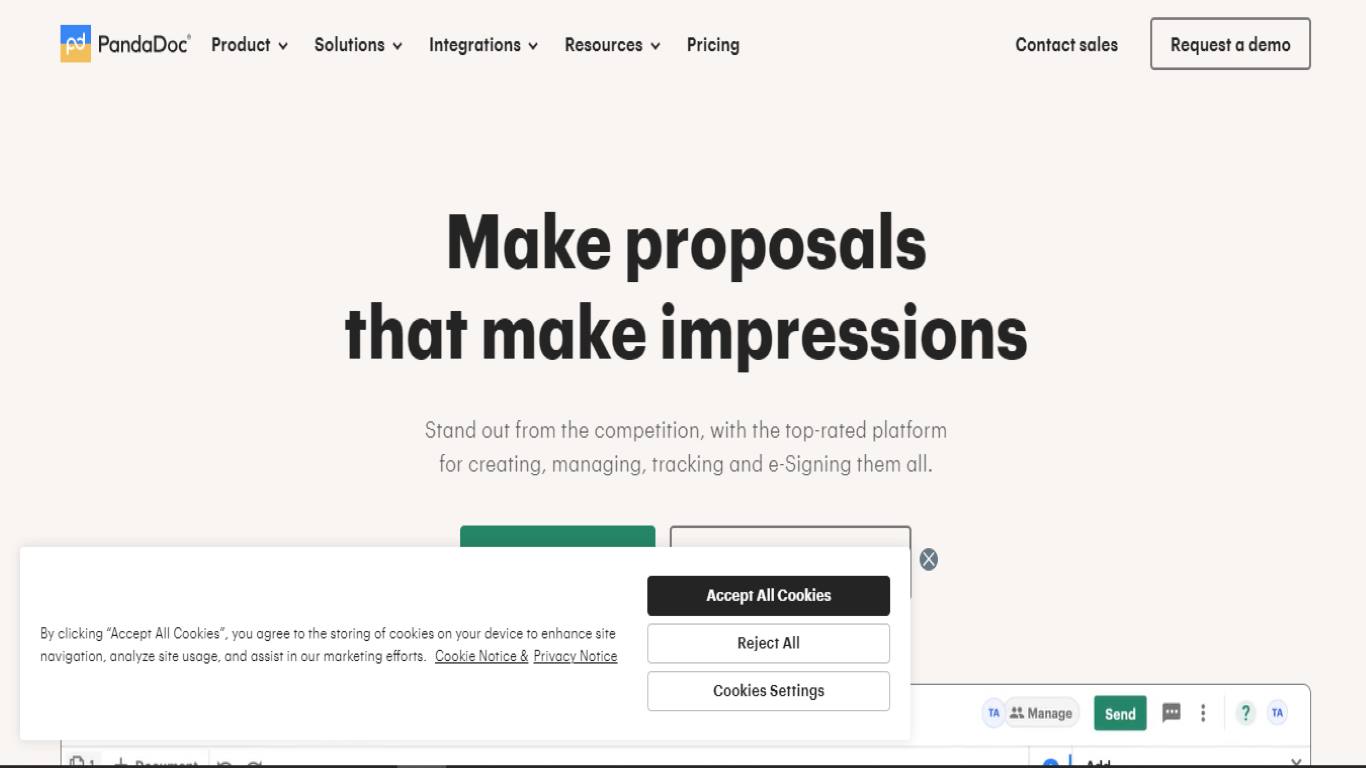
PandaDoc gives you the option for both native integrations and Zapier connections. This allows seamless links between PandaDoc and your preferred services. Whether you’re using storage services like Google Drive or Dropbox or prominent CRMs like Salesforce and HubSpot, PandaDoc has you covered.
The analytics and tracking capabilities of PandaDoc offer valuable insights into document interactions, including when documents are opened, viewed, and engaged with. This information empowers businesses to tailor follow-up strategies and effectively maintain recipient engagement.
Need help getting started on your documents and forms? PandaDoc has over 750 templates to kickstart your document library.
Key Features of PandaDoc
- Create and personalize professional documents easily, adding text, images, and interactive elements.
- Duplicate contracts for personal records or sharing,
- Allows multiple users to work on documents simultaneously,
- Track how recipients engage with your documents.
Pricing
It’s $35/month/user for Essentials and $65/month/user for Business. Enterprise plans are available for larger companies.
3. Dropbox Sign for All-In-One Document Management
You’ve probably heard of Dropbox, but what about Dropbox Sign? Formerly known as HelloSign, Dropbox acquired and rebranded HelloSign in 2019.
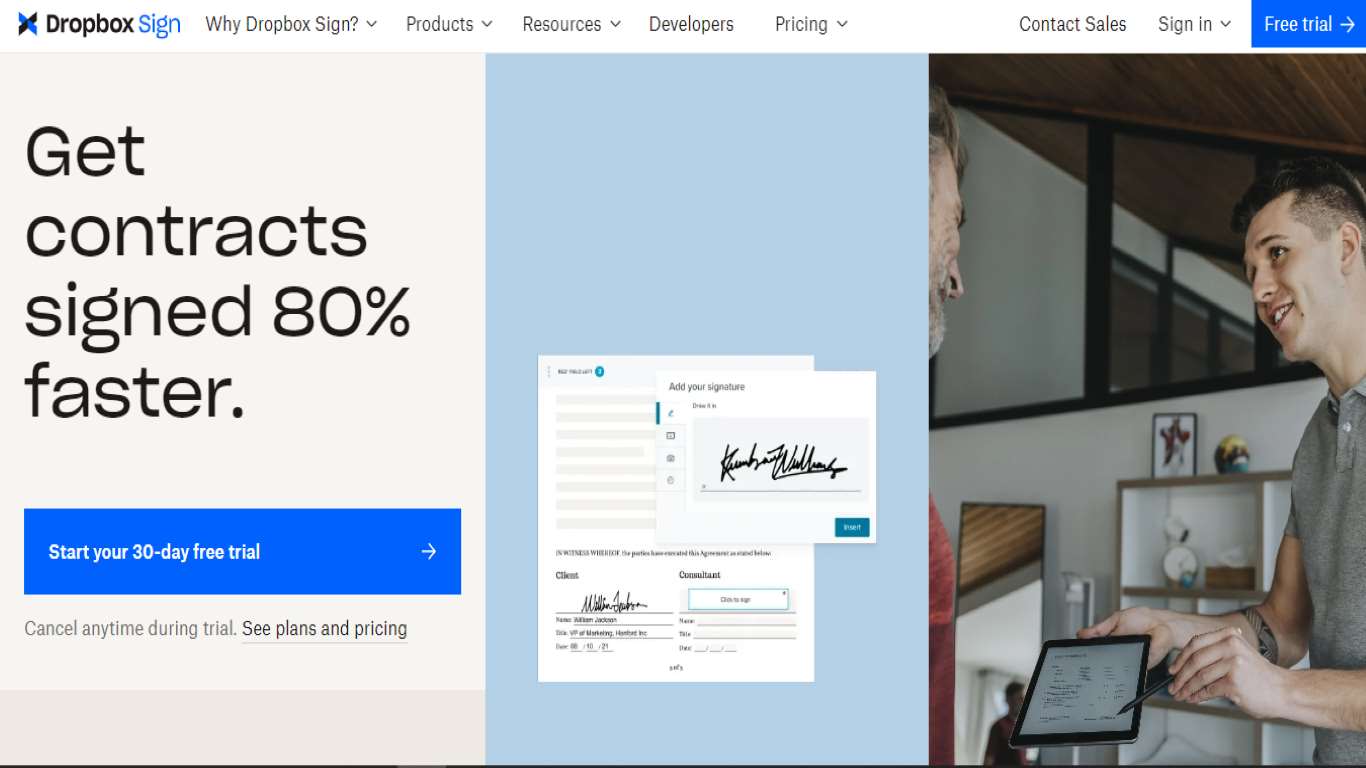
Dropbox Sign stands tall as a significant player in online signatures. Offering an array of expected features, DropBox Sign has a user-friendly document interface that simplifies the signing experience.
Because your Dropbox Sign account can connect with your Dropbox account, it’s an obvious choice for an eSign service and document management.
Dropbox Sign is a robust solution that embraces simplicity, efficiency and a holistic approach to online signatures and document management. It’s a good choice for brands of all industries, from big law firms to normal people who need it for personal use.
Key Features of Dropbox Sign
- Intuitive UX simplifies the electronic signature process,
- Users can easily create and save document templates for efficient and consistent workflow,
- Send automatic reminders to signees, ensuring timely completion of the signing process,
- Integrates with popular apps like Google, Slack, Salesforce, and, of course, Dropbox.
Pricing
A free plan is available. Paid plans start at $15/user/month with annual billing.
4. Zegal for General Contract Management
For efficient contract management, Zegal offers robust features designed to streamline the entire process. The platform boasts a user-friendly interface that allows businesses to draft, review, and sign contracts seamlessly.
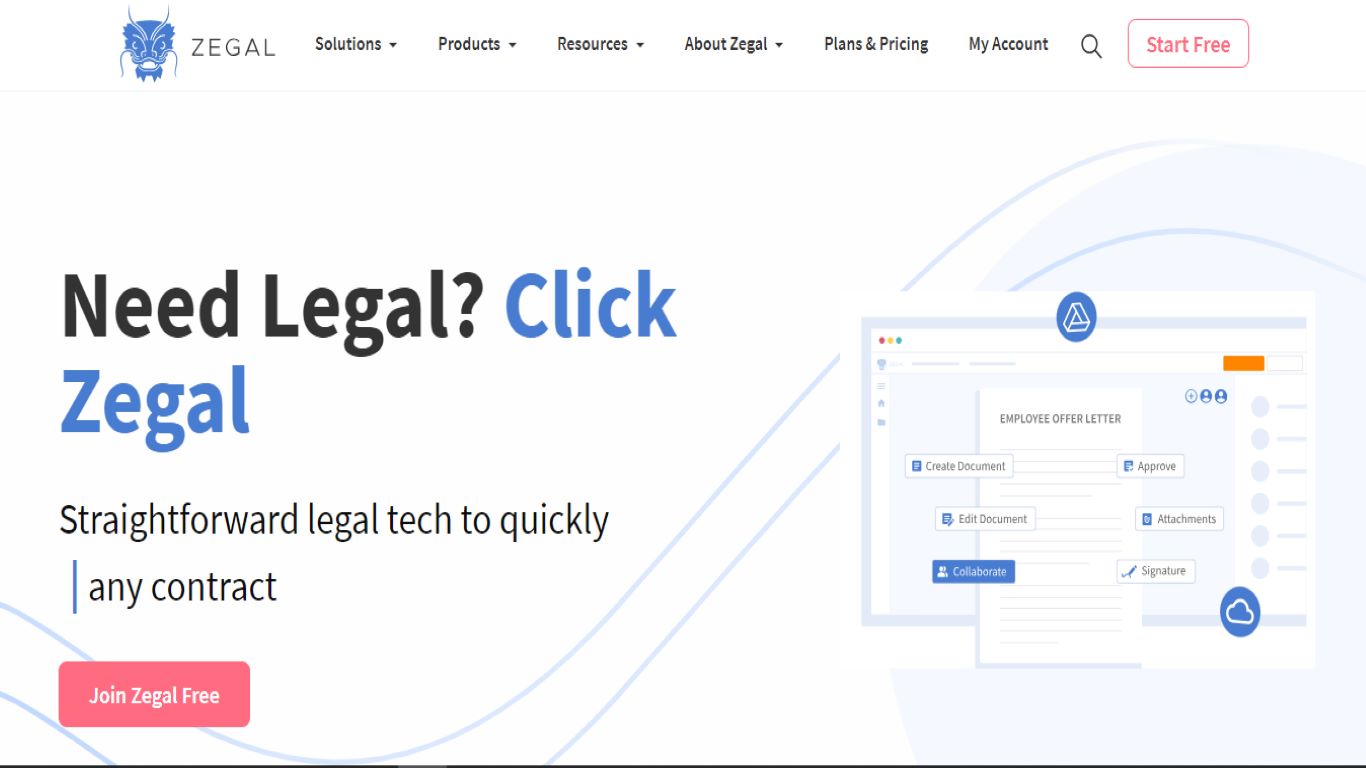
Zegal’s eSign service empowers users to send documents for signatures, follow the signing process, and store signed documents in a unified repository.
Zegal also provides insights into the latest trends and predictions in contract management, ensuring your organization stays ahead in this dynamic landscape.
Key Features of Zegal
- The platform’s user experience ensures a smooth and intuitive eSigning experience.
- Streamline sending documents for signatures, making the process seamless,
- Users can monitor the signing progress in real-time, ensuring transparency and efficiency,
- Offers a centralized repository for storing signed documents.
Pricing
You can download Zegal for free to browse solutions. It’s $51/month for 100 PDF or Word documents.
5. Adobe Acrobat Pro DC for Windows Users
Beyond its renowned design platforms, Adobe offers Windows users an eSignature solution with Adobe Acrobat Pro DC. This application seamlessly integrates eSignature capabilities with the tools you’re already familiar with, making it an optimal choice for Windows users seeking streamlined signing options.
What sets Adobe Acrobat Pro DC apart is its user-friendly approach. Recipients don’t need to download the application to sign documents. The Adobe Scan mobile app makes converting physical documents into PDFs a breeze. Snap a photo, and the instant text recognition features do the rest.
Key Features of Adobe Acrobat Pro DC
- Real-time visibility into document status when shared, enhancing collaboration,
- AUsers receive automated notifications upon signature capture,
- Users are allowed to create and manage templates for frequently used documents,
- Personalized branding for e-signature request emails and confirmation pages.
Pricing
Plans are $12.99/month for Standard or $14.99/month for Pro.
6. PDF Expert for Mac Users
Not everyone is a Windows user. Let’s talk Apple for a moment. Combining simplicity and speed, PDF Expert is a top choice for Mac users. With its intuitive interface, PDF Expert empowers you to edit PDF content, including text and images, while offering secure document signing capabilities.
The software’s versatility extends to converting static PDF files into Word documents, PowerPoint presentations, or JPEG images.
PDF Expert’s value doesn’t end there. You can complete form fields, making it handy for tasks like filling out tax forms or insurance documents.
If you’re seeking a straightforward solution for signing documents on your Mac, PDF Expert is an accessible and reliable tool.
Key Features of PDF Expert
- Annotate, edit, convert, combine, sign, and merge documents,
- Enhance PDFs by adding hyperlinks to external websites or internal pages,
- Search and locate specific words within your documents via the user-friendly dashboard,
- Convert static PDF files into various formats, including Word documents, PowerPoint presentations, and JPEG images.
- Insert paragraphs within the editing tool.
Pricing
You can download the basic version for free or opt for the Premium Plan at $6.67/month. A one-time payment of $139.99 is available, but that doesn’t include software updates.
7. SignNow for a Quick Start, 100% Cloud-Based Option
SignNow is a versatile electronic signature solution. One of the most attractive features is that the program is cloud-based. You don’t have to download it to your computer.
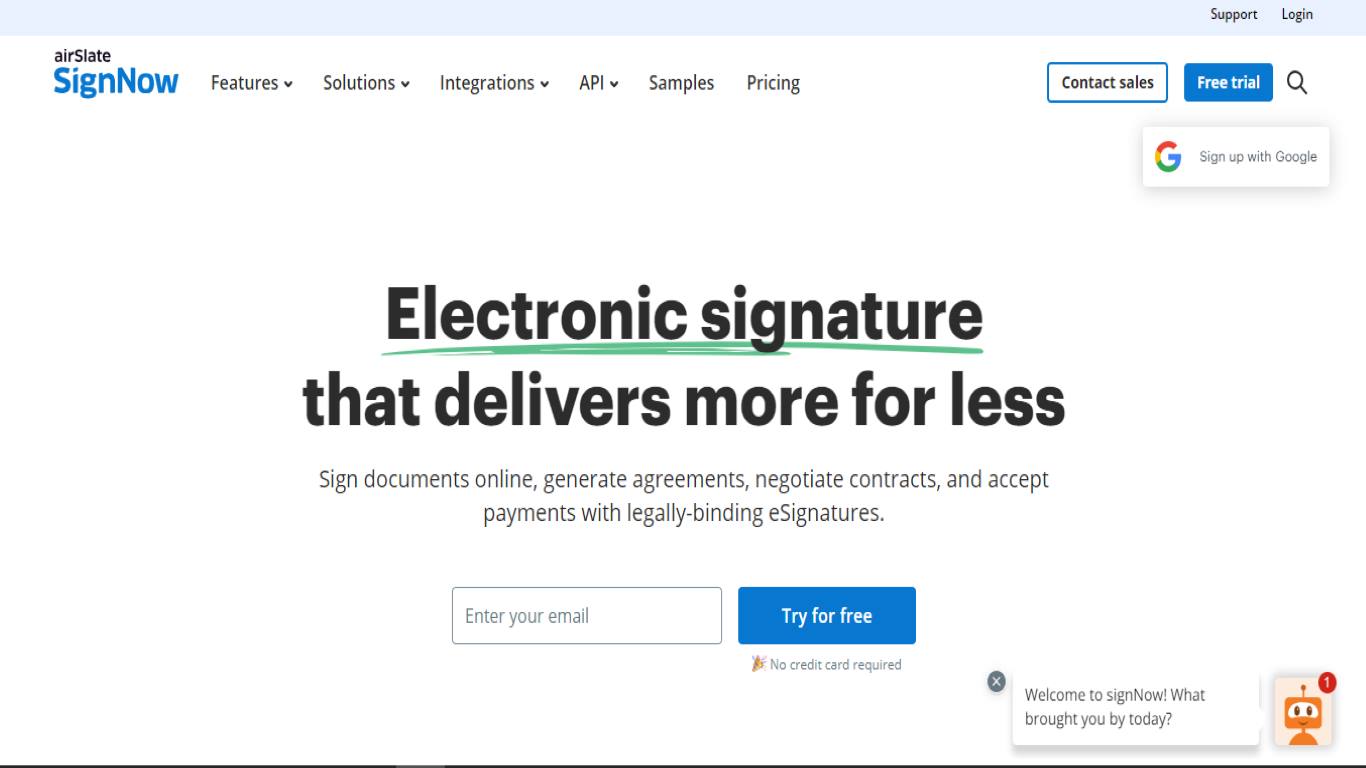
With its user-friendly platform, SignNow empowers users to send, sign, and manage documents online. It offers a range of features, like e-signatures, document storage, and real-time collaboration.
SignNow allows users to create legally binding electronic signatures (although it’s still recommended to hire a lawyer if necessary to fully understand what you’re signing).
The platform’s document storage and organization capabilities ensure easy access and retrieval of signed documents. Like our other suggestions, SignNow offers real-time collaboration. No more saving and emailing documents. You can work on the same document as your teammates simultaneously.
SignNow caters to businesses of all sizes, offering customizable plans and integrations with popular business applications. It simplifies document management, accelerates signing processes, and contributes to a paperless and productive work environment.
Key Features of SignNow
- Industry-leading compliance on all eSignature documents, including HIPAA compliance,
- Offers integrations to popular apps like Salesforce, Microsoft Teams, Gmail, and more,
- Allows teams to collaborate on the same document at the same time,
- Available as an app on mobile devices.
Pricing
SignNow has four different monthly plan options: Business ($8/user), Business Premium ($15/user), Enterprise ($30/month), and Business Cloud ($50/month).
8. Recruitee for HR Signature Solutions
Our last eSignature solution is technically not an alternative to DocuSign. Recruitee is a full-service HR platform with a DocuSign integration.
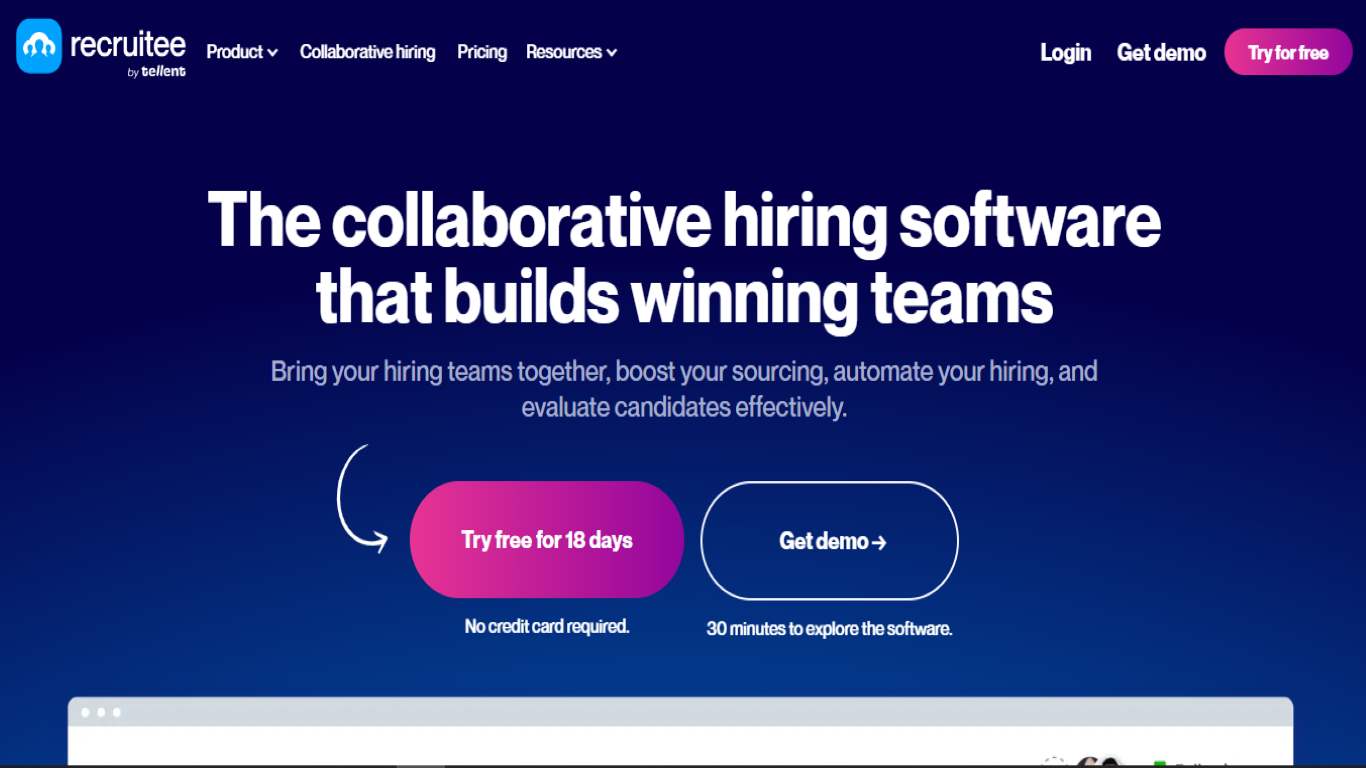
Recruitee also integrates with SignRequest and DropBox Sign. This integration simplifies the hiring process. With Recruitee’s platform, you can send contracts and offer letters to candidates and employees.
If your company is in the market for an eSign app and an HR platform, check out Recruitee. It allows for efficient communication among team members and candidates, all within a centralized platform. With features ranging from applicant evaluation to metric tracking, Recruitee streamlines your recruitment workflow and bolsters your document management.
Key Features of Recruitee
- Create a seamless experience for candidates,
- Complete HR solutions platform,
- Integrates with several eSignature services.
Pricing
Recruitee is a complete HR solution platform. Using their eSignature tool means you need a subscription to their platform. They have three options: Launch ($224/month), Scale ($399/month), or Lead (custom pricing).
Wrapping it Up
When it comes to eSignature platforms, you have a lot of options to sift through. It’s super important, no matter the industry—whether you’re a lawyer who deals with highly confidential information or a small business signing on a new client.
Every company has to consider what features are non-negotiable. We suggest focusing on the app’s ability to integrate into your existing workflows, its cost-effectiveness, and the personalization options available.
If you want a solution that checks those boxes and gives you user-friendly document creation, sophisticated workflow automation, and top-tier eSignature functionality, you can’t go wrong with Papersign.
[elementor-template id="24702"]